
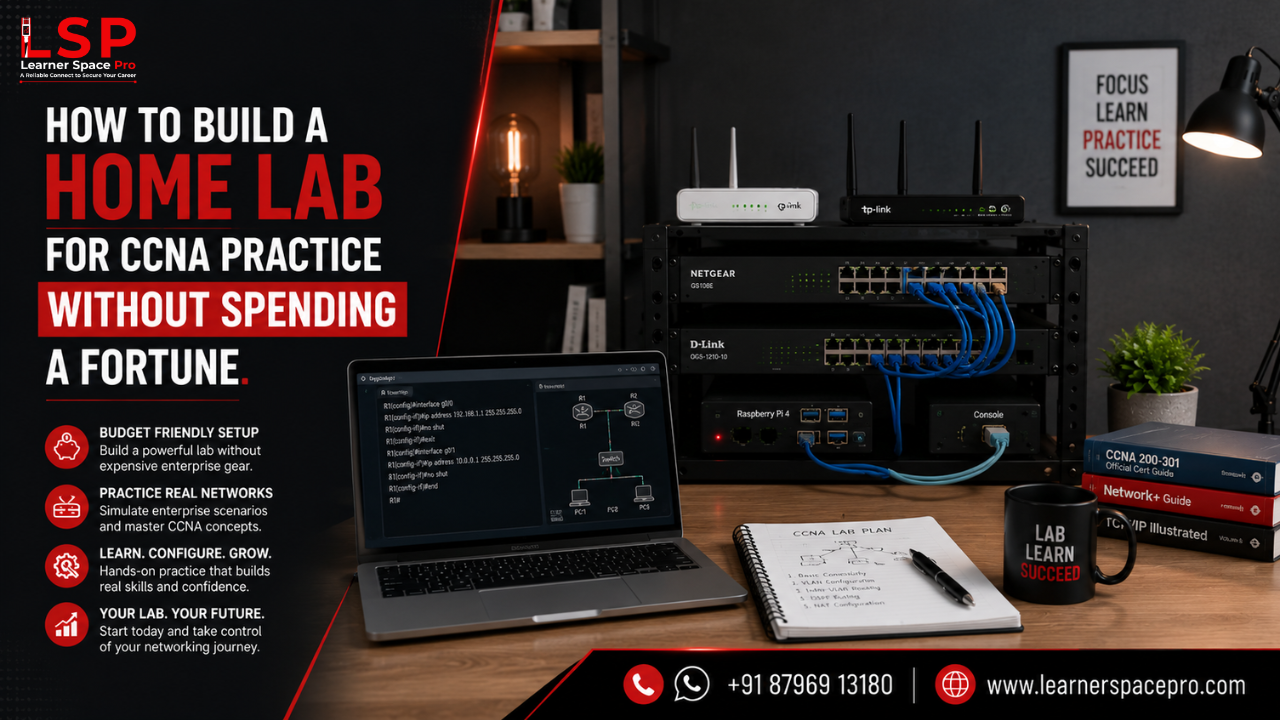
One of the biggest misconceptions about preparing for CCNA in India is that you need expensive networking equipment to gain practical experience. While enterprise-grade Cisco routers and switches are useful in professional environments, beginners can build an effective home lab without making a significant investment. With the right combination of software, virtual machines, and structured practice, you can develop the practical networking skills needed to succeed in the CCNA exam and prepare for a career in networking.
At Learner Space Pro, we encourage learners to combine theoretical knowledge with hands-on practice because real networking skills are developed through experience, not memorization.
Why Every CCNA Student Needs a Home Lab
Networking is a practical discipline. Reading books and watching training videos can help you understand concepts, but configuring routers, creating VLANs, assigning IP addresses, and troubleshooting connectivity issues require hands-on practice.
A home lab allows you to experiment freely, make mistakes, and learn from them without affecting a production environment. It also helps you build confidence before working on enterprise networks.
Option 1: Build a Virtual Home Lab
For most beginners, a virtual lab is the easiest and most affordable way to practice.
Some popular tools include:
- Cisco Packet Tracer – Ideal for learning routing, switching, VLANs, and basic network configuration.
- GNS3 – Simulates enterprise-grade networking environments and supports advanced networking scenarios.
- EVE-NG – A powerful network emulation platform used by many networking professionals and instructors.
- VirtualBox or VMware Workstation – Useful for running Windows Server, Ubuntu, or Kali Linux virtual machines alongside your networking lab.
These tools provide an excellent learning environment without requiring physical networking equipment.
Option 2: Invest in Basic Hardware
If your budget allows, adding a few used networking devices can enhance your learning experience.
Consider starting with:
- One or two Cisco routers
- One Cisco switch
- Ethernet cables
- A console cable
- A laptop or desktop computer
Even a small physical setup can help you understand device configuration and connectivity in greater detail.
What Should You Practice?
Building a lab is only the first step. Focus your practice on topics covered in the CCNA syllabus, including:
- IP addressing and subnetting
- VLAN creation and management
- Static and dynamic routing
- DHCP and DNS configuration
- Inter-VLAN routing
- Network Address Translation (NAT)
- Access Control Lists (ACLs)
- Network troubleshooting
The goal is not just to complete configurations but to understand why each configuration works.
Keep a Lab Journal
One habit that separates successful learners from average learners is documentation.
Maintain a notebook or digital journal where you record:
- Network topologies
- Configuration commands
- Errors encountered
- Troubleshooting steps
- Key lessons learned
This habit reinforces concepts and becomes a valuable reference during exam preparation and technical interviews.
Avoid These Common Mistakes
Many beginners spend too much time collecting networking tools instead of practicing.
Avoid:
- Installing multiple simulators without mastering one.
- Memorizing commands without understanding networking concepts.
- Skipping troubleshooting exercises.
- Building overly complex labs too early.
Start small, practice consistently, and gradually increase the complexity of your network.
Learn with Guidance and Real-World Scenarios
A home lab is an excellent way to strengthen your practical skills, but structured guidance helps you progress faster. Working with experienced instructors, following organized lab exercises, and receiving feedback can significantly improve your learning experience.
For learners looking to complement self-practice with expert support, enrolling in a structured CCNA Training in Hyderabad program provides access to instructor-led sessions, practical lab exercises, and real-world networking scenarios that prepare you for certification and industry expectations.
Build Your Networking Career with Learner Space Pro
Practical experience is one of the biggest factors that influences success in networking. Building a home lab, practicing regularly, and understanding real-world networking concepts will not only help you earn CCNA in India but also prepare you for the challenges of a professional IT environment.
At Learner Space Pro, our training programs combine expert instruction, hands-on lab sessions, and practical learning to help learners develop the confidence and technical skills needed to build a successful networking career.