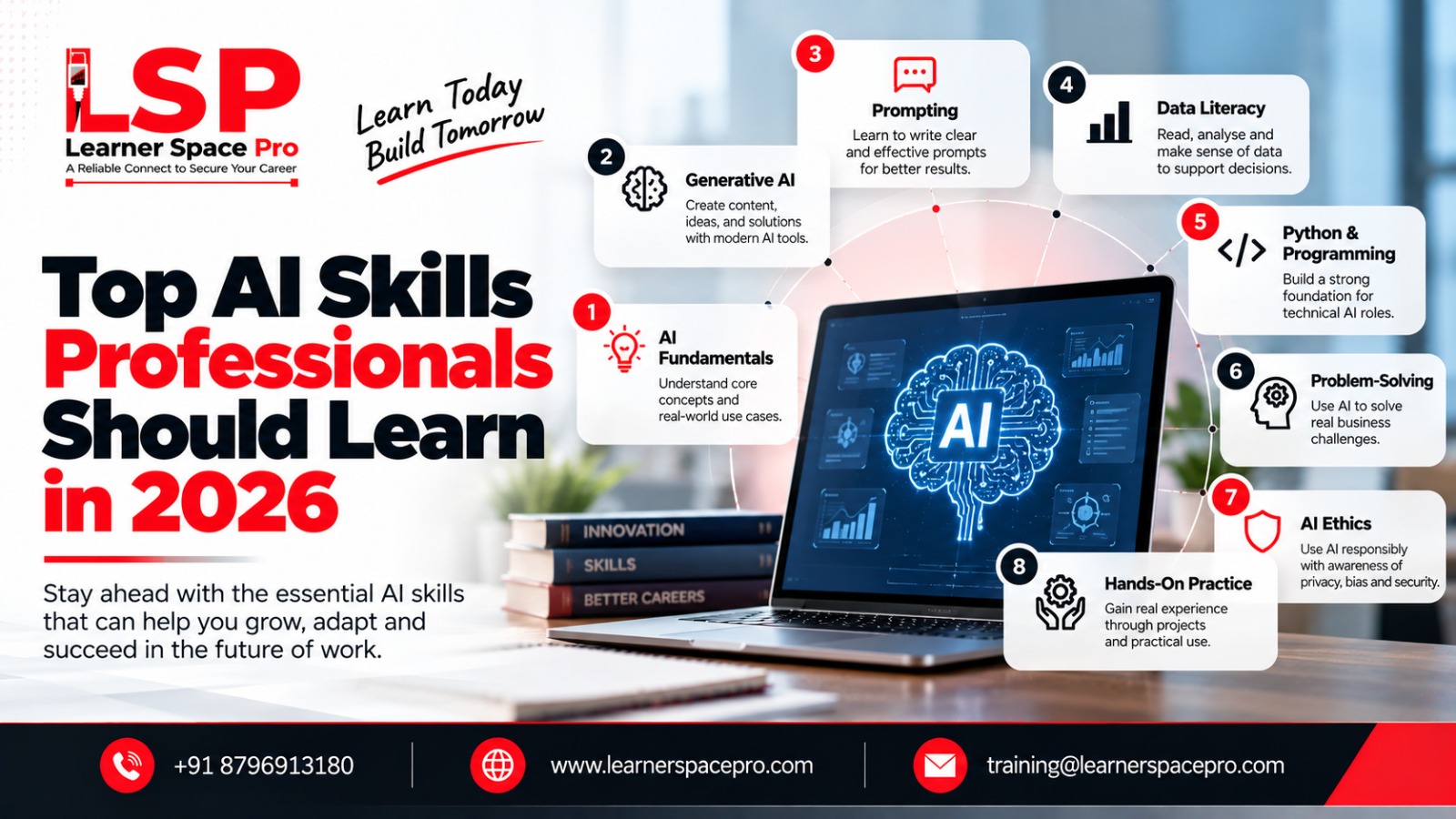
Generative AI has quickly become more than just a technology people talk about. It is now being used to draft emails, summarize documents, create ideas, analyze information, and support everyday tasks. For professionals who want to use these tools effectively, Generative AI Training can provide a structured way to understand what the technology can do and how to use it responsibly.
At Learner Space Pro, we focus on making modern AI concepts practical and easy to understand, so learners can connect what they study with tasks they actually perform at work.
What Is Generative AI?
Generative AI is a type of artificial intelligence that can create new content based on the instructions it receives.
Depending on the tool, it can generate:
- Text
- Images
- Code
- Presentations
- Summaries
- Ideas
- Audio and video
The technology is useful because it can help people complete certain tasks faster. However, a person should still review the output before it is used for important work.
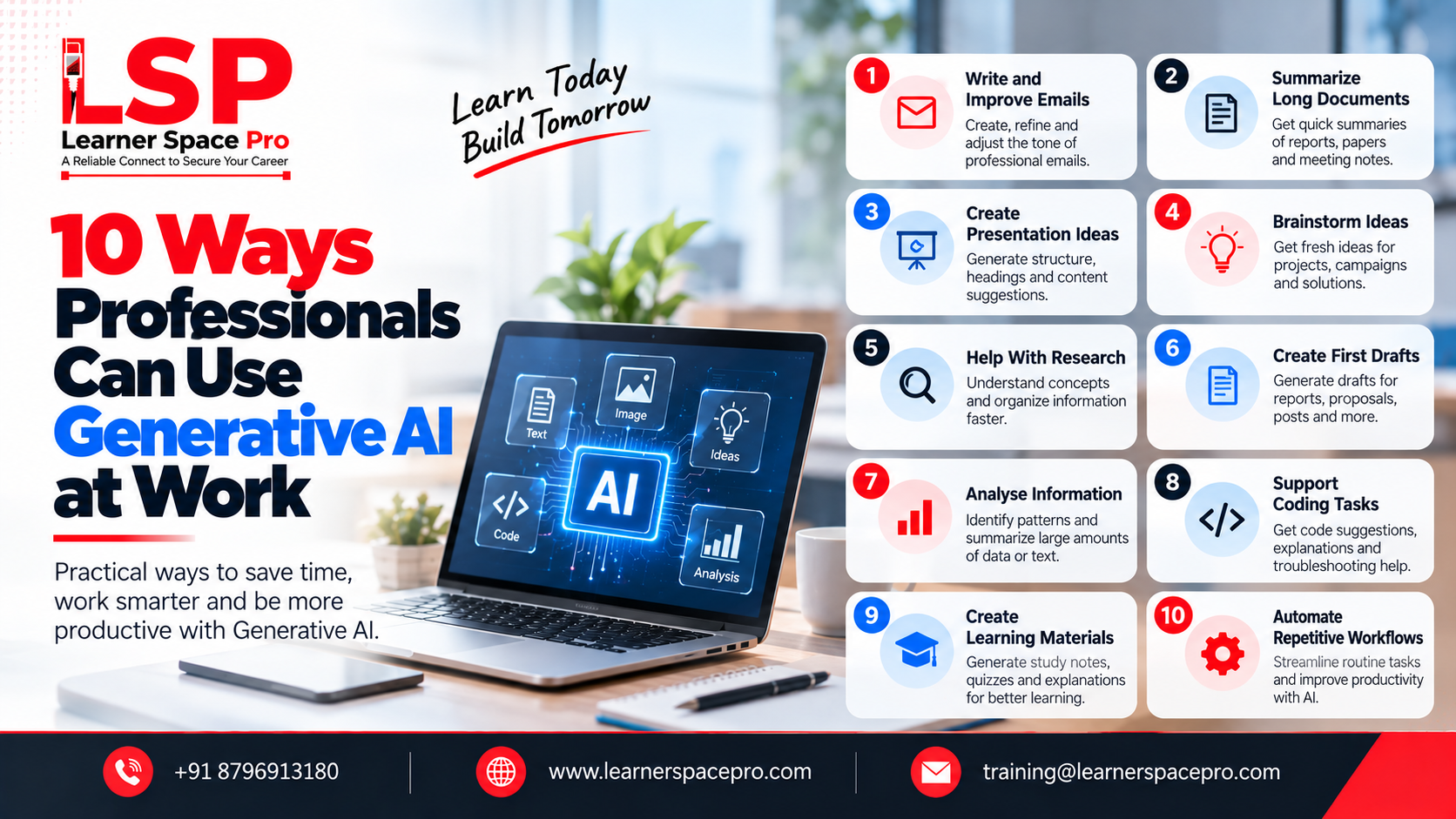
10 Practical Ways to Use Generative AI
1. Write and Improve Emails
Drafting professional emails can take more time than expected.
AI can help create a first draft, improve the tone, shorten a long message, or make an explanation easier to understand.
You can provide the main points and ask the tool to turn them into a professional email.
2. Summarize Long Documents
Professionals often need to read reports, meeting notes, research papers, and other lengthy documents.
AI can help create a quick summary of the main points, making it easier to understand the information before going through the full document.
Always review the original document when accuracy is important.
3. Create Presentation Ideas
Preparing a presentation usually starts with deciding what information to include.
Generative AI can help create an initial structure, suggest headings, and organize ideas into a logical flow.
You can then edit the content and add your own expertise.
4. Brainstorm Ideas
Sometimes the hardest part of a project is simply getting started.
AI can provide different ideas for marketing campaigns, project names, content topics, business strategies, or solutions to a particular problem.
Think of it as a brainstorming partner rather than the final decision-maker.
5. Help With Research
AI can help organize information and explain unfamiliar concepts in simpler language.
For example, a professional learning about a new technology can ask AI to explain the basic concept and provide examples.
However, important facts should be checked against reliable sources.
6. Create First Drafts
Whether you are preparing a report, proposal, social media post, or internal document, AI can help create a starting draft.
Instead of staring at a blank page, you can provide your key points and use AI to create an initial version.
You can then add your experience and make the content your own.
7. Analyze Information
AI tools can help professionals identify patterns, summarize information, and organize large amounts of text or data.
For example, a sales team could use AI to summarize customer feedback and identify common issues.
The quality of the result depends heavily on the information provided and the capabilities of the tool being used.
8. Support Coding Tasks
Developers can use Generative AI to explain code, suggest solutions, identify possible errors, and create basic code examples.
It can be a useful assistant, but developers should always review and test generated code before using it in production.
9. Create Learning Materials
Professionals and students can use AI to create study notes, quizzes, explanations, and practice questions.
You can also ask an AI tool to explain a difficult topic at different levels of complexity.
This makes it useful for continuous learning.
10. Automate Repetitive Workflows
Generative AI can be combined with other software and automation tools to reduce repetitive tasks.
For example, organizations can use AI to classify information, generate routine responses, summarize customer requests, or prepare basic reports.
The exact possibilities depend on the organization’s tools, processes, and security requirements.
What Are the Risks?
Using AI at work does not mean that every task should be handed over to an AI tool.
Professionals should be careful with:
- Confidential information
- Personal data
- Incorrect AI-generated content
- Copyright concerns
- Biased results
- Security risks
AI-generated information should be reviewed, especially when decisions could affect customers, employees, finances, or business operations.
How Can You Get Better at Using AI?
The best way to improve is to practice with real tasks.
Start with something simple that you already do regularly. Try different prompts, compare the results, and improve your instructions.
A structured Generative AI Training program can also help you understand prompting, AI tools, practical applications, and responsible AI use instead of simply experimenting without direction.
Build Practical AI Skills with Learner Space Pro
Generative AI is becoming a useful productivity tool for professionals across different industries. The people who benefit most will not necessarily be those who know the most technical details but they will be those who understand where AI is useful and how to use it responsibly.
At Learner Space Pro, our programs help learners explore modern AI technologies through practical examples and real-world applications. Whether you are new to AI or already using AI tools at work, Generative AI Training can help you develop a more structured approach to using this technology effectively.